A listing that speaks clearly
Photo order, text, amenities, location and conditions work together to remove doubts and build trust.

Listing only
Bring your holiday home into the Tropic Booking collection, receive direct bookings and keep managing it your way. No subscription and no mandatory operations package.
Private draft · Locked calendar · 10% only on Tropic Booking bookings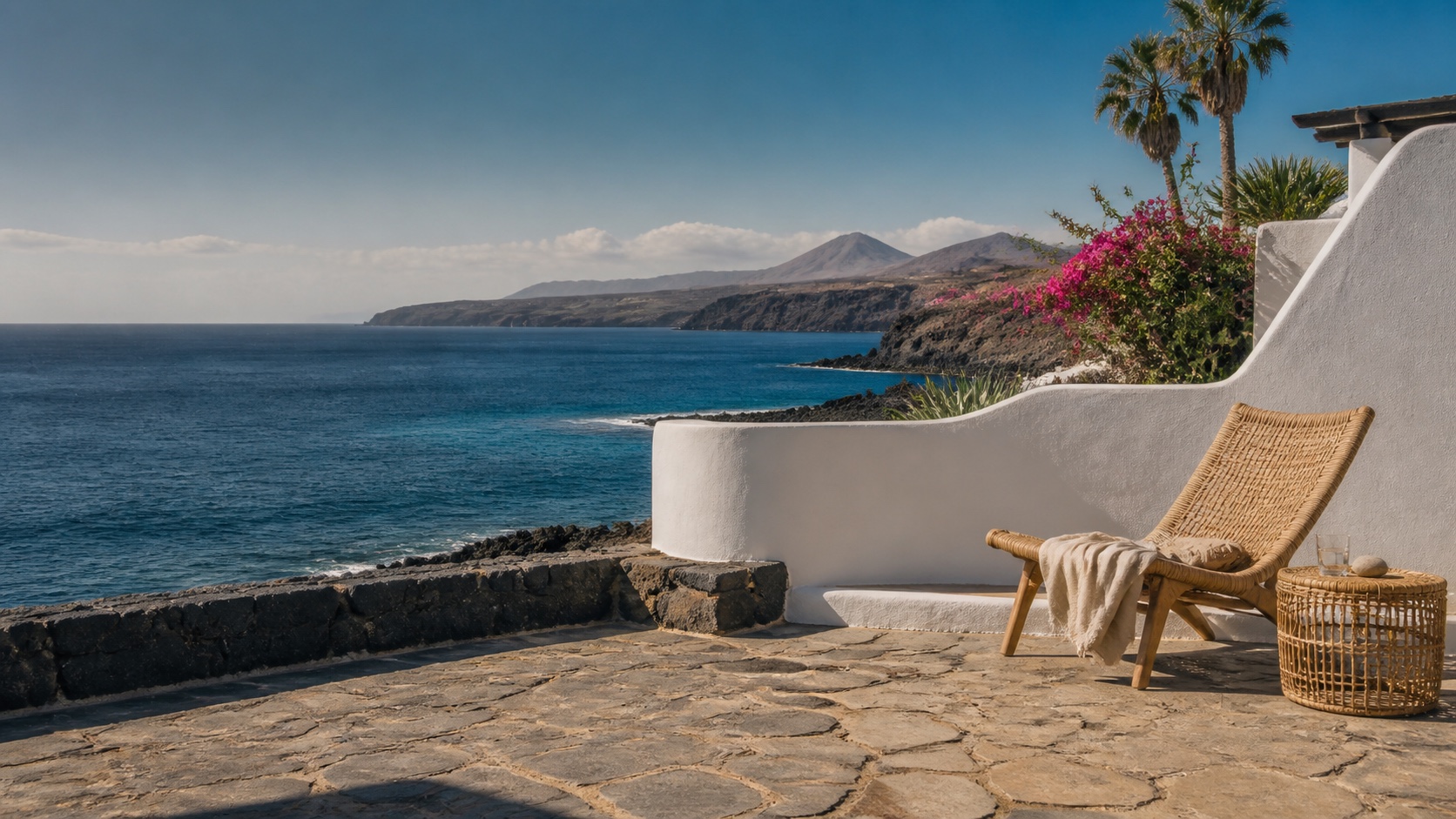
The point isn’t to show up in more places at random. It’s to add a channel that presents your home well, keeps availability consistent and guides guests all the way to booking without multiplying your workload.
Photo order, text, amenities, location and conditions work together to remove doubts and build trust.
Import availability from the platforms you already use and manage your listing from a single owner area.
Guests see dates, price and conditions before confirming; you see the booking and the related operational details.
Your home can be presented to the markets that already choose the Canaries, with a structure ready for multiple languages.
The proposed listing plan charges 10% only on bookings confirmed through Tropic Booking.
If you later want to hand over pricing, guests, cleaning or maintenance, your home and its data will already be ready.
You can start even if your property is already listed elsewhere. The system guides you only through the steps you need and saves your work as you complete the listing.
Enter the location, capacity and a first photo. Your draft is saved.
Add photos, description, amenities, rules and prices, with clear priorities.
Connect the calendars of the selected platforms to avoid conflicting availability.
Check the preview and decide when your listing can take bookings.
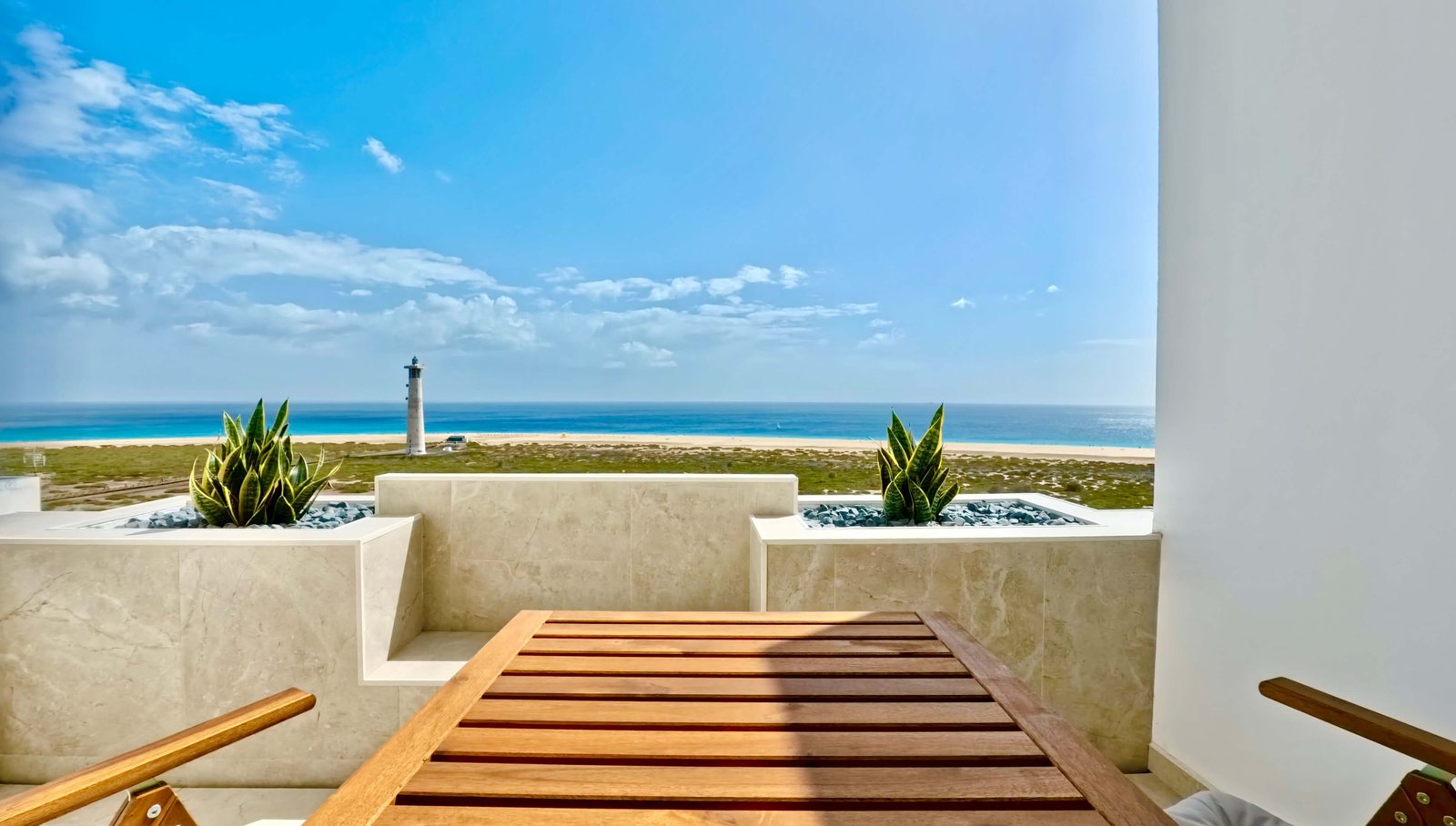
Why it can convert better
The page brings together what guests really want to know: where the home is, which dates are free, how much it costs, what’s included and who answers if they need help.
The choice depends on how much time you want to spend on your home, not on how many features someone is trying to sell you.
For owners who already handle guests, cleaning and pricing and want an extra showcase that generates direct bookings.
For owners who live far away, are short on time or want to hand over a larger share of the day-to-day operations.
Frequently asked questions
As soon as you complete the requirements and press Publish, your listing is visible on Tropic Booking, with no approval to wait for. Anything saved before that click stays a private draft.
No. Tropic Booking is designed as an additional channel. You connect the calendars of the platforms you use and stay in control of your dates.
If you tell us the home is listed on other booking sites, the calendar stays locked until all the selected connections are complete.
Yes. With the listing-only option you manage prices, rules and availability yourself. Tropic Booking shows guests the information you’ve confirmed.
The first draft needs just a few details and takes about three minutes. Photos, description, amenities and connections are then completed step by step with guidance.
Yes. Listing is the lightest place to start; management services are assessed separately based on the area and the home’s needs.
Enter the essentials, see your home straight away and complete the rest at your own pace. You decide when it becomes bookable.